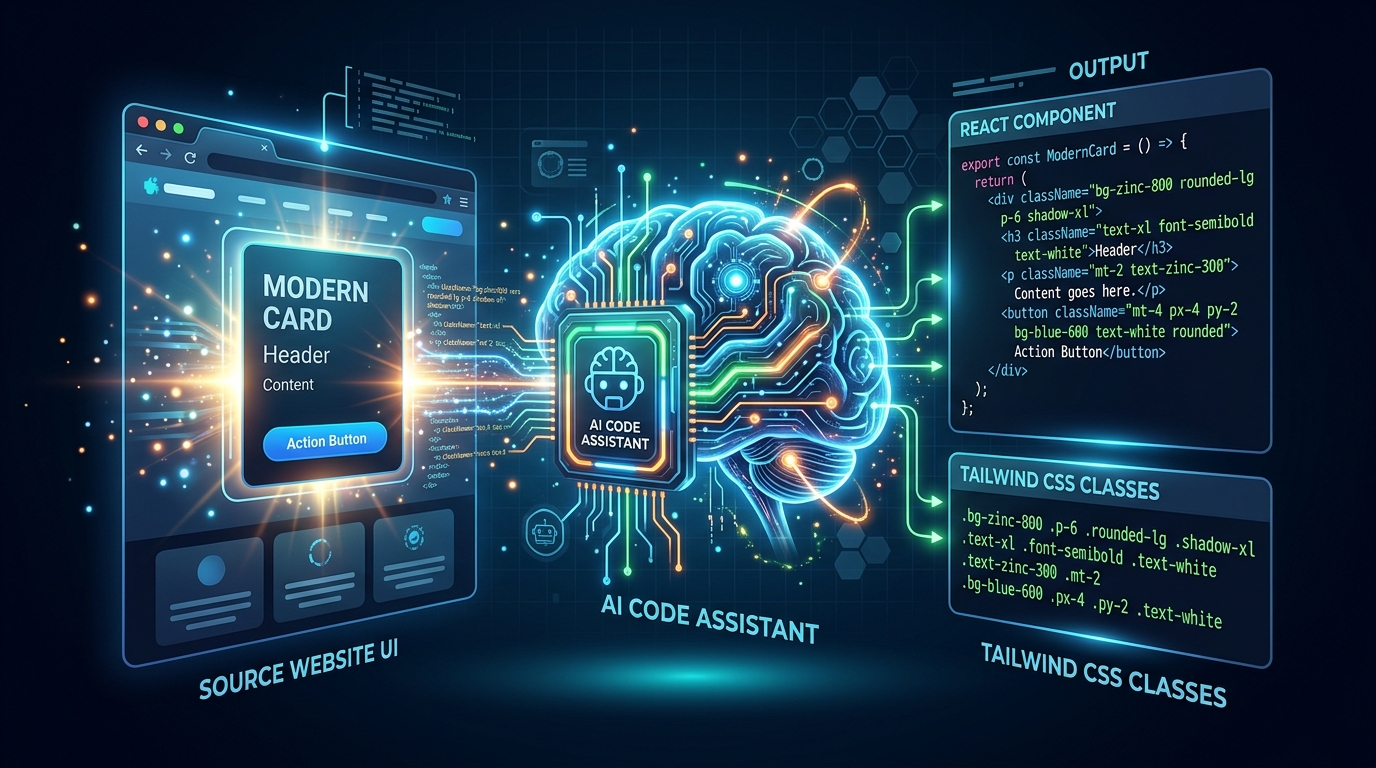
The Shift to AI-Assisted Development
Large Language Models (LLMs) like Claude 3.5 Sonnet and ChatGPT (GPT-4o) have revolutionized frontend development. They are exceptionally capable of writing complex UI components in React, Vue, or Tailwind CSS.
However, AI models suffer from the "Garbage In, Garbage Out" principle. If you provide a generic prompt like, "Build a pricing table that looks like Stripe," the model will generate a generic, hallucinated layout that lacks the specific polish and nuance of the target design.
Providing Deterministic Context
To get production-ready, pixel-perfect code from an AI, you must ground its generation in deterministic context. You need to feed it the exact DOM structure and the specific computed styles of the target component you wish to copy.
The Prompt Engineering Workflow
Here is the proven workflow for AI-assisted UI cloning:
- Use a UI extraction tool to isolate the specific HTML node of the target component.
- Extract the computed CSS or the design tokens applied specifically to that node tree.
- Combine this raw data into a highly structured prompt.
The Golden Prompt Template
Act as an expert Frontend Developer. I want to recreate a specific UI component in React and Tailwind CSS.

Below is the literal HTML structure and computed CSS of the target design. Use this as your absolute ground truth for structure, sizing, colors, and layout.

Do NOT invent generic styles. Map the provided CSS values as closely as possible to standard Tailwind utility classes.

[PASTE EXTRACTED HTML & CSS HERE]
By providing the AI with the literal blueprint of the design, you constrain its output. It acts as an extremely fast translator, converting the raw HTML/CSS into your preferred modern framework syntax with near-perfect accuracy.
Ready to automate this workflow?
Don't do it manually. Use ZipIt's free tool to instantly extract everything you need directly in your browser.
Try the Website UI Inspector